
Docker vs Kubernetes
Packaging And Orchestration
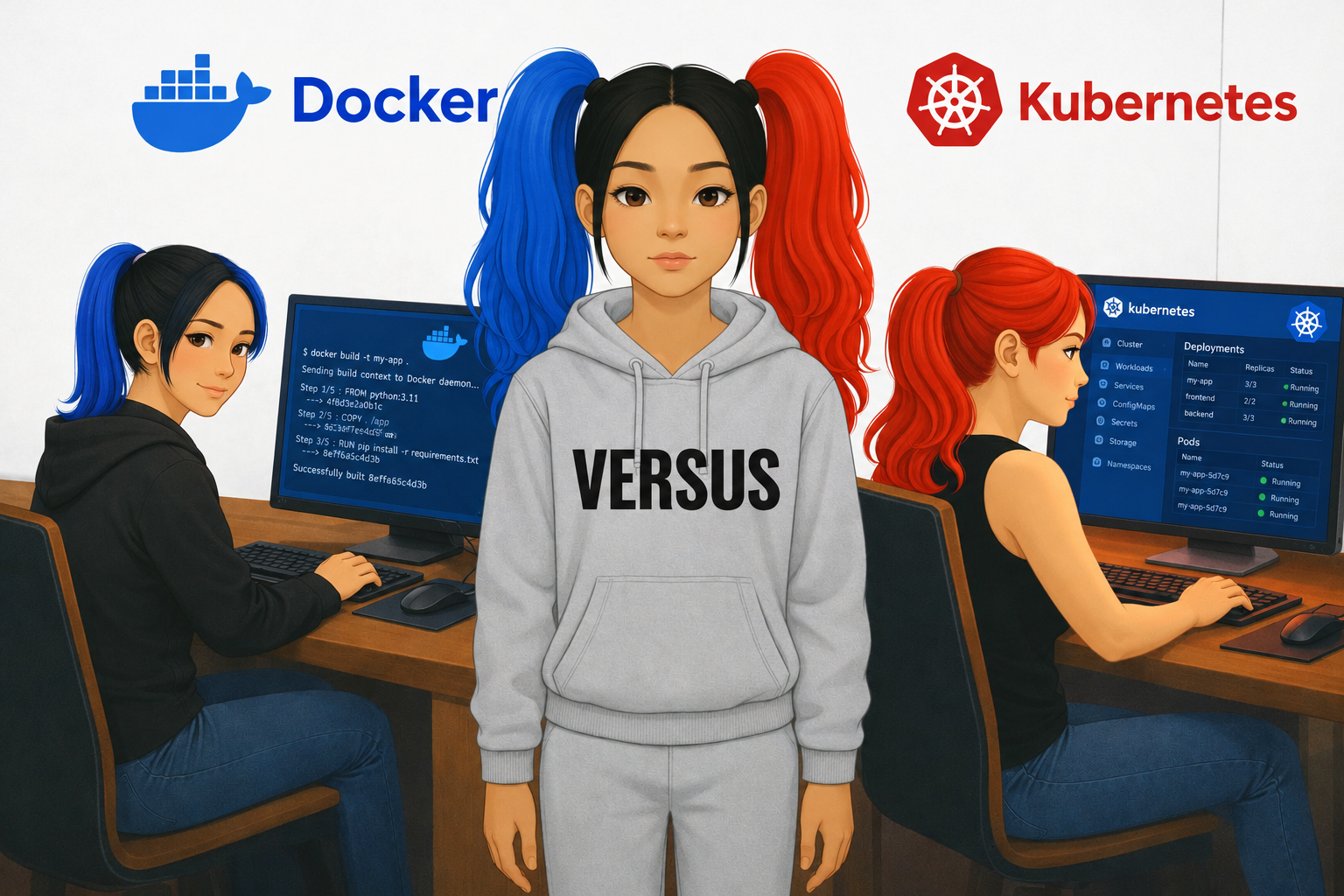
Docker helps you package and run applications in containers.
Kubernetes helps you manage containers at scale.
Docker
Docker is a platform used to build, package, and run applications in containers.
A container packages an application with the dependencies and configuration it needs to run consistently across different environments.
For example, imagine building a Python application on your laptop. It works perfectly, but when you deploy it to a server, it fails because the server has a different Python version.
Docker helps address this problem by packaging the application and its required environment into a container image.
What Docker Helps You Do
Build container images.
Run applications in containers.
Package application dependencies.
Share images through container registries.
Create consistent development and deployment environments.
docker build -t -my-app .
docker run my-app
The first command builds an image.
The second starts a container from that image.
Kubernetes
Kubernetes is a container orchestration platform.
Imagine that your application has become popular. Instead of running one container, you now need dozens or hundreds of containers across multiple servers.
You need to manage their deployment, availability, scaling, networking, and recovery when something goes wrong.
Kubernetes helps automate those tasks.
What Kubernetes Helps You Do
Deploy and manage containerised applications.
Scale application replicas up or down.
Restart or replace failed containers.
Distribute workloads across machines.
Support service discovery and load balancing.
Perform controlled application updates and rollbacks.
For example, you can declare that an application should have three running replicas. Kubernetes works to maintain that desired state.
Docker vs Kubernetes
| Feature | Docker | Kubernetes |
|---|---|---|
| Primary purpose | Build and run containers | Orchestrate containerized applications |
| Main focus | Packaging and execution | Deployment and management at scale |
| Runs a single container | Yes | Yes, through its orchestration model |
| Manages many containers across machines | Possible with additional tools | A core capability |
| Automatic scaling | Limited to specific tools and setups | Built-in orchestration capability |
| Recovers failed workloads | Depends on the Docker tool and configuration | Can replace failed workloads to maintain desired state |
| Typical use | Local development and container execution | Production orchestration and cluster management |
An Analogy
Imagine you're running an international shipping business.
Docker is like standardising the shipping container. You package your goods so they can be transported consistently.
Kubernetes is like managing the logistics network. It coordinates where containers go, how many are needed, and what happens when a shipment or route fails.
Standardised containers make transportation easier.
Orchestration makes managing a large operation possible.
Do Docker and Kubernetes Work Together?
Yes!
But there's an important technical distinction.
Docker can build container images, and Kubernetes can deploy those images. However, Kubernetes does not require Docker Engine to run containers.
Kubernetes typically uses a compatible container runtime, such as containerd or CRI-O, through the Container Runtime Interface (CRI).
A common workflow looks like this:
Write your application Python, Java, Node.js, and more
Build a container image Docker
Store the image A container registry, such as Amazon ECR or Docker Hub
Deploy and manage containers Kubernetes
In this workflow, Docker packages the application, the registry stores its image, and Kubernetes manages the running workloads.
In Conclusion
Docker and Kubernetes aren't direct competitors. They operate at different layers of the container ecosystem.
Docker: Package and run applications in containers.
Kubernetes: Orchestrate containerized applications across a cluster.
The simplest way to remember the difference:
Docker is about containers. Kubernetes is about coordinating containers.
Learn Docker first to understand images, containers, ports, volumes, and networking. Then learn Kubernetes to understand Pods, Deployments, Services, scaling, and cluster management.
About the author
I am a Cloud Engineer and a Writer.
Comments
Join the discussionNo comments yet. Be the first to comment.


